
Shiftpad
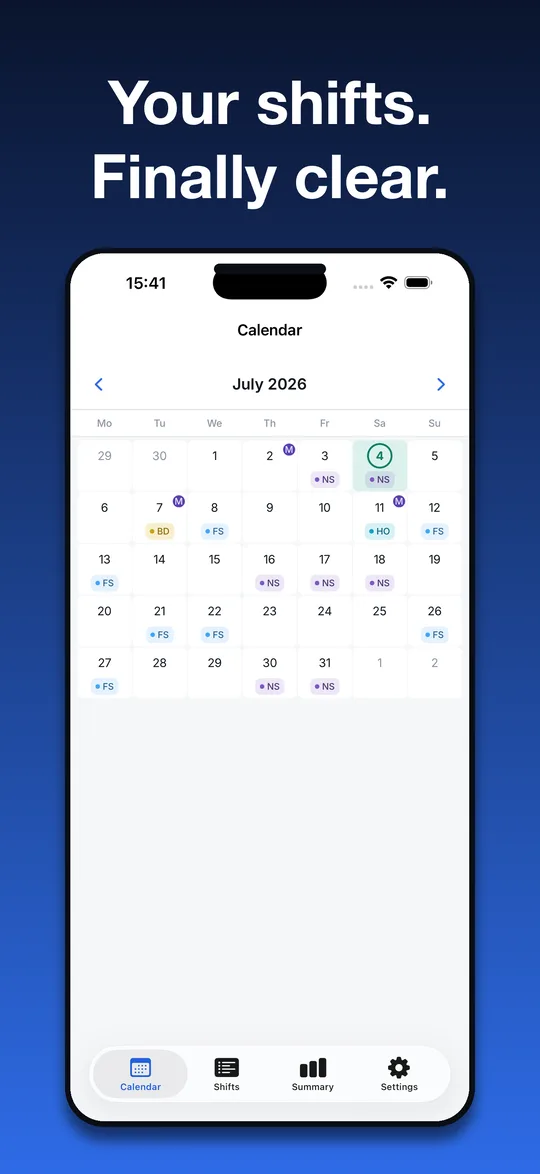
Set your rotation once. Your whole schedule fills in for months ahead, with hours, pay estimates and reminders. No account. Every feature is free, Pro only removes ads.
What you get
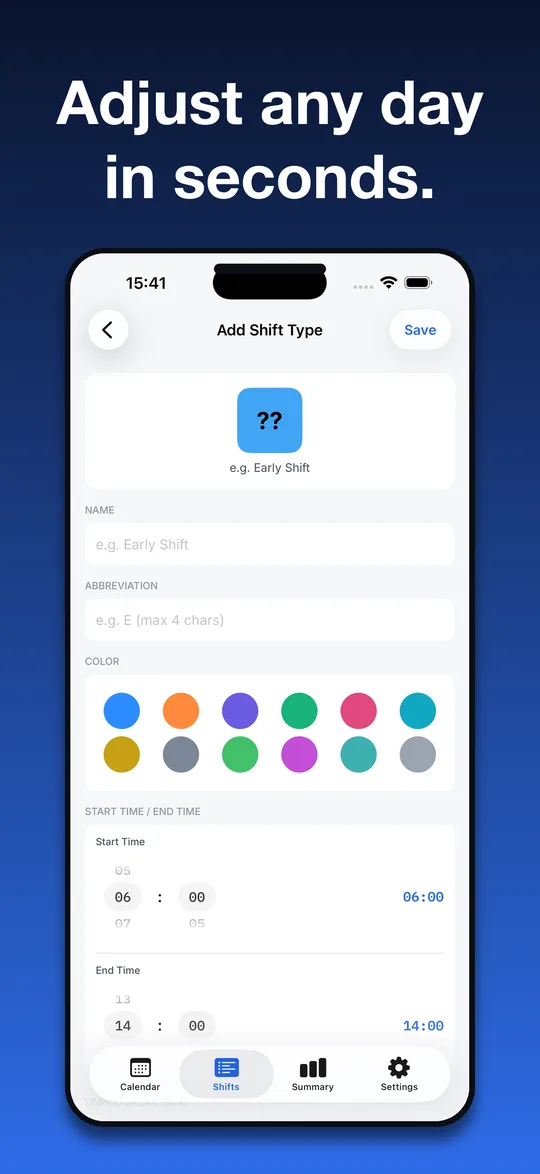
Unlimited shift types
- As many as you need, with no cap in the free version
- Name, abbreviation, color, start and end time
- Unpaid break and optional hourly pay rate
- Night shifts that cross midnight are handled
Rotations that fill your calendar
- Templates such as Panama (2-2-3), 3-on-4-off and Continental
- Or build a fully custom rotation
- Set an anchor date and the schedule fills in ahead
- Override any single day, add notes, plan several shifts in one day
Hours and pay
- Weekly and monthly hours and estimated pay
- Breakdown by shift type
- Overtime flag against a weekly threshold you set
- Choose your currency
Reminders and widgets
- Local reminders before each shift, you pick the lead time
- Home screen widget
- Reminders work offline
Your data, your control
- Backup and restore to a JSON file
- Export your calendar as an .ics file
- Public holiday overlay
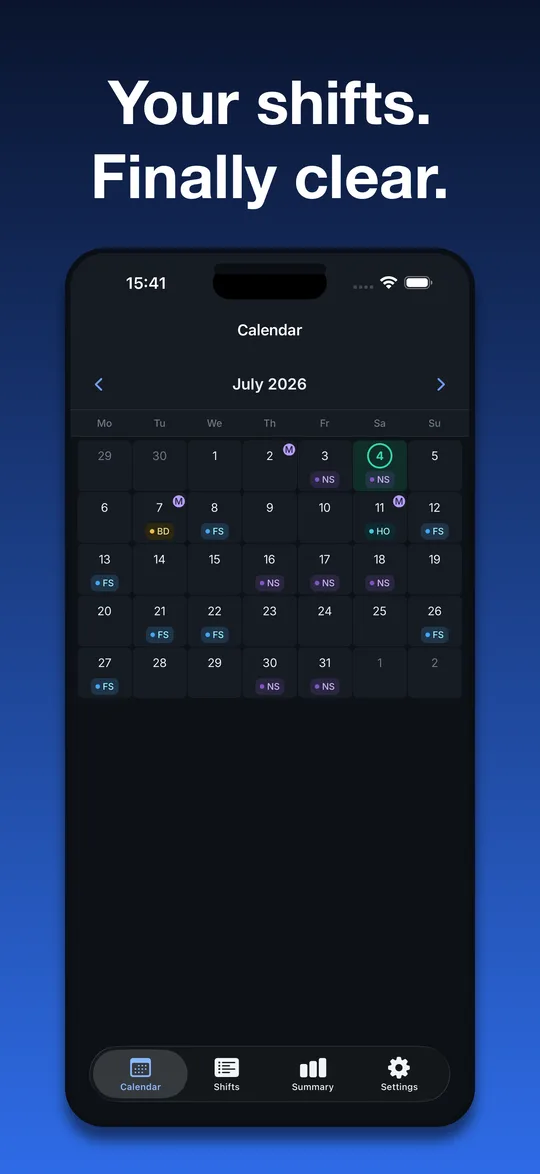
- Light and dark mode, 13 app languages
Private by design
No account, no sign-up, no cloud. Your shifts, rotations and notes are stored on your device and the app works offline. We run no server that receives your schedule.
The free version shows ads from Google AdMob, and Google may collect data such as your advertising ID for them. Where required you are asked for consent first, and on iPhone you choose whether to allow tracking. Pro removes the ads. The app has no analytics or crash-reporting SDK. See the privacy policy.
Free and Premium
Free: every scheduling feature, unlimited shift types, rotations, hours and pay, reminders, widget, backup and export. The free version shows ads.
Shiftpad Pro: removes the ads. Choose a monthly or yearly subscription, or a one-time lifetime purchase. Prices are shown in the app and the store in your local currency. Subscriptions renew automatically; cancel any time in your Apple ID or Google Play subscription settings.
Pro does not unlock any scheduling feature, because none is locked.
Questions
Do I need an account?
No. There is no registration and no login.
Does it work offline?
Yes. Everything works without internet, including reminders. Only the ads need a connection.
Does it show ads?
Yes, in the free version. Shiftpad Pro removes them. No feature is locked behind Pro.
What does Pro unlock?
Only ad removal: monthly, yearly or lifetime. All scheduling features are free.
Is the number of shift types limited?
No. You can create as many shift types as you want, free.
Where is my data stored?
On your device. Back it up to a file from Settings, and restore it on a new phone.
Can I sync between devices or share my schedule live?
No. There is no cloud sync. You can move data with a backup file or export the calendar as an .ics file.
Which devices are supported?
iPhone and Android phones.